

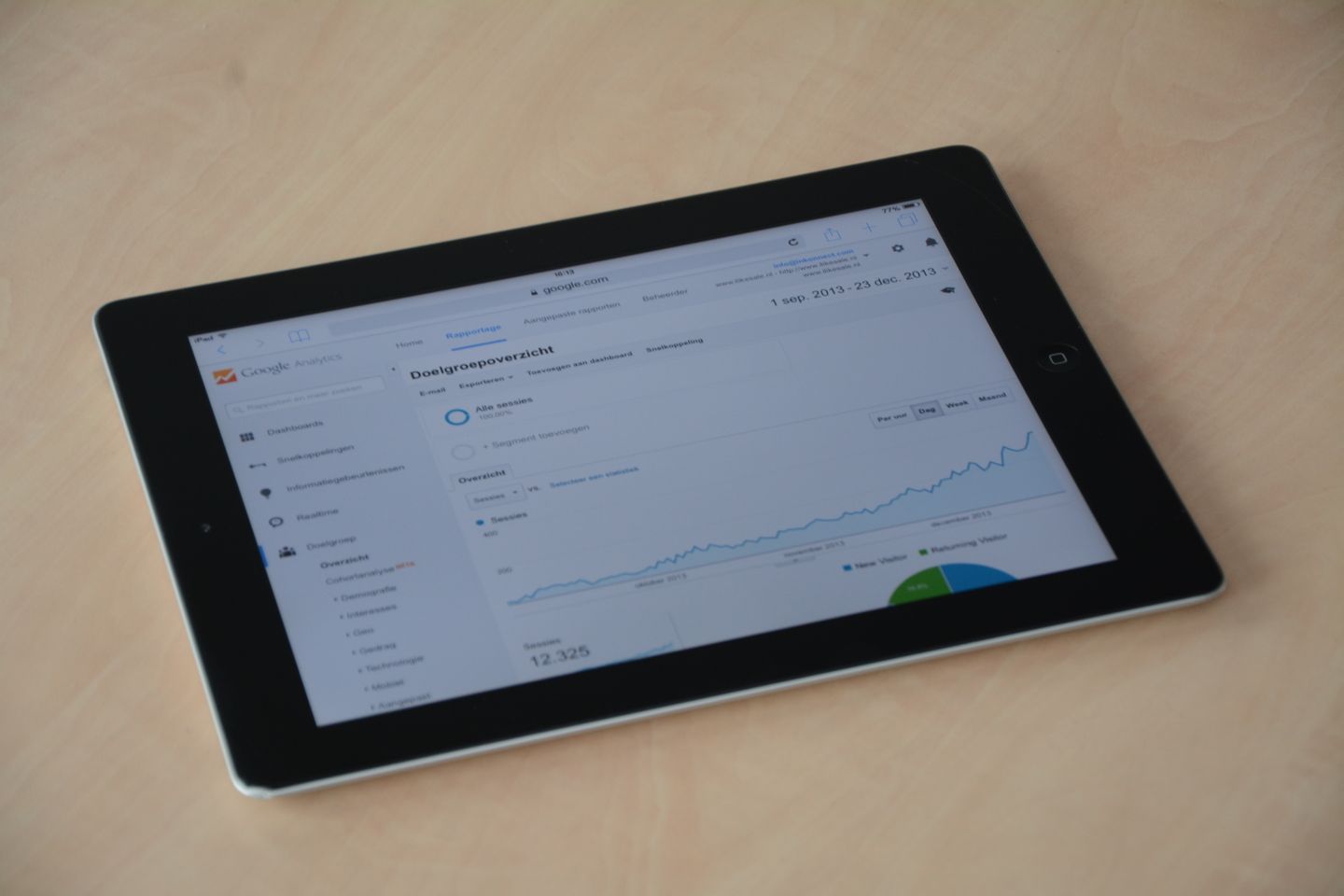
A website report shows hundreds of button clicks, but the sales team can identify only a handful of enquiries. The discrepancy may be entirely explainable: people clicked without submitting, tried several times or opened a messaging app without sending anything. The problem is a report that treats different actions as the same result.
Define what each event means before installing more tracking. A measurement plan should connect website behaviour with the business process while being clear about what the data cannot prove.
Start with the decisions the report will support
Write down the questions management needs to answer. Which service pages attract relevant enquiries? Where do visitors abandon registration? Which campaigns generate conversations the team can progress?
Choose a small number of measures that support those decisions. Page views and clicks can help explain the journey, but they should not be presented as customers or revenue. Separate interest, completed enquiries, qualified opportunities and confirmed business.
Assign an owner to each definition. If marketing and sales use different meanings for “lead,” resolve that before building a dashboard.
Define events with precise triggers
For every important action, record the name, trigger, expected fields and known limitations. A successful form submission should be recorded after the application confirms success, rather than merely when the visitor presses the button.
Track form starts separately where useful. Distinguish a telephone-link click from a completed call, and a WhatsApp-link click from an actual conversation. Those clicks can indicate intent, but they do not confirm what happened outside the website.
Avoid sending the same event twice from overlapping tools. Record which system owns each event and how the implementation will be tested.
Keep personal information out of analytics payloads
Google Analytics prohibits sending information it can recognise as personally identifiable, such as names and email addresses. Check event parameters, page URLs and form-related tracking so submitted details are not accidentally included.
Keep customer records in the appropriate business system with its own access controls. Use a carefully designed reference where a legitimate connection between systems is needed, rather than copying the whole enquiry into analytics.
Confirm the organisation's privacy and consent requirements with the responsible advisers. Measurement should be designed around those requirements from the start, not repaired after collection begins.
Connect the website to the team's record
Give each received enquiry a clear owner and status in the operational system. Record the service requested and an appropriate source where available. Keep the source definition consistent across channels.
Allow for incomplete information. A customer may have heard about the business through a referral, read several articles and later typed the address directly. A single recorded source cannot always describe that history.
Use a simple qualification and outcome process. Without it, the report stops at submission and cannot distinguish suitable enquiries from spam, mistakes or requests outside the offer.
Test, reconcile and maintain
Run test cases for successful and failed submissions, duplicate clicks, different devices and relevant consent states. Confirm both the analytics event and the received business record. Remove or clearly identify test data in operational reporting.
Compare counts over the same period and time zone. Investigate differences rather than forcing the systems to match by changing definitions after the fact. Browser restrictions and incomplete tracking can create legitimate gaps.
Document changes to forms, campaigns and event definitions. A rise in reported enquiries after a tracking change may reflect a new measurement rule rather than improved performance.
A useful plan produces fewer ambiguous numbers and a clearer link between website activity and the work the team actually handles.
Set up a website measurement plan and enquiry reporting with Zero Impulse.
Reference: Google Analytics data safeguards.