

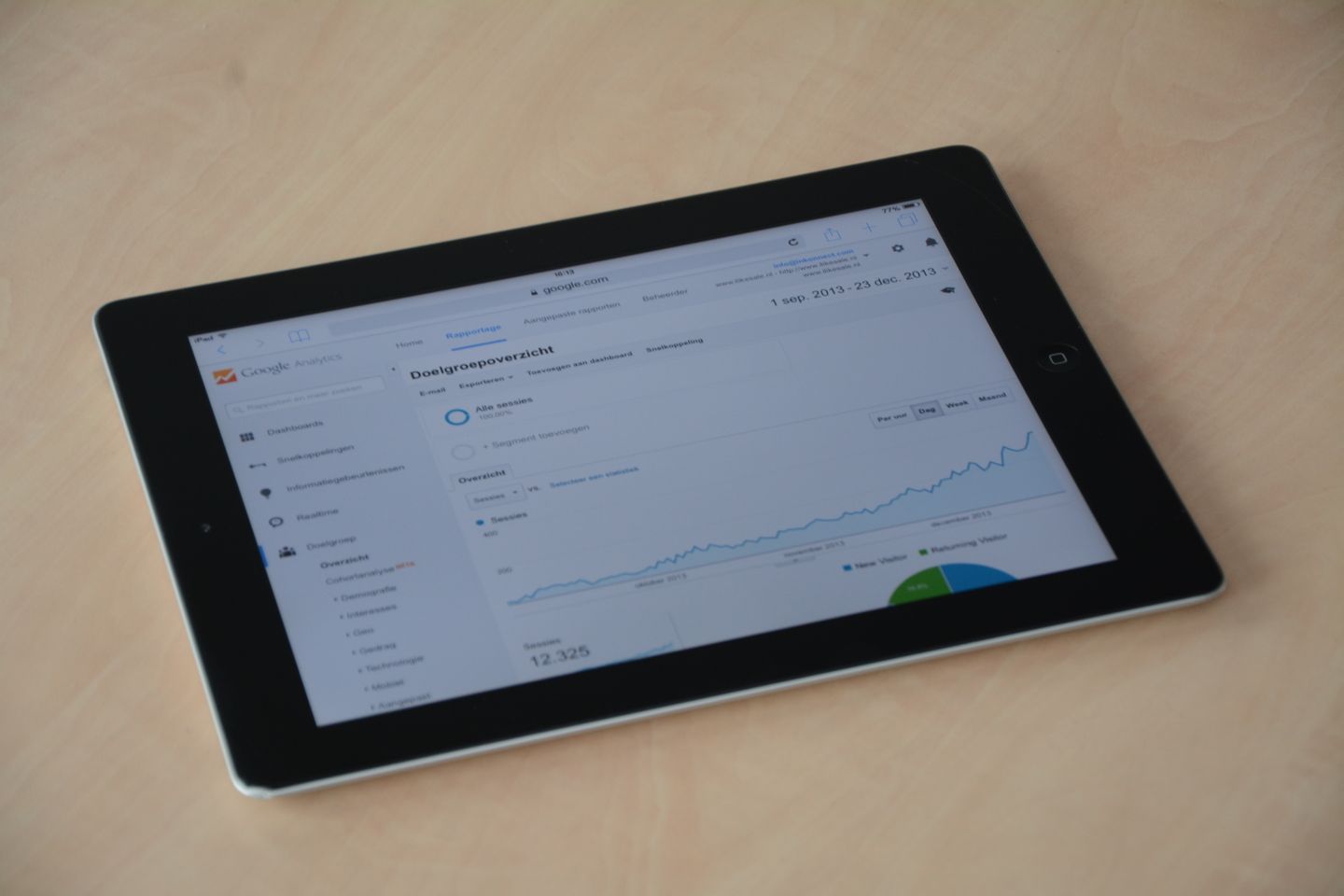
A report shows that impressions have increased while click-through rate has fallen. Is the website performing better or worse? The answer depends on which searches changed, which pages appeared and whether those visitors are relevant to the business.
Search Console is useful when you investigate a specific question. A single headline metric is rarely enough to explain the commercial meaning of a change.
Understand the four basic measures
In the Search results performance report, clicks count visits from Google Search results and impressions count appearances in those results. Click-through rate is clicks divided by impressions. Average position summarises the position of the site's topmost result for the selected grouping.
These measures describe search visibility and interaction. They do not tell you whether a visitor became a suitable enquiry or a paying customer. Connect that later stage through the website's measurement and customer-handling process.
Google's own documentation explains the definitions and reporting dimensions. Use it when a number behaves unexpectedly rather than assuming the label matches an informal definition used elsewhere in the business.
Compare like with like
Choose a meaningful period and keep the comparison consistent. Consider seasonality, campaign activity and changes to the website. A training provider approaching an intake deadline may naturally see a different pattern from the following month.
Look at pages and queries, then use relevant country or device filters where they help answer the question. A broad site average can conceal improvement in one service and decline in another.
Separate branded searches from searches about the problem or service where practical. People already looking for the organisation by name are behaving differently from people discovering potential suppliers.
Investigate the page behind the pattern
If a page gains impressions but few clicks, examine the searches for which it appears. The page may be reaching broader or less relevant queries. Its title and description may also fail to communicate the offer clearly.
If clicks fall, check whether impressions, query mix or position changed. Confirm that the page still loads, remains accessible to search engines and has not been replaced or redirected incorrectly.
Do not rewrite a page solely to improve click-through rate without checking suitability. A more dramatic title that attracts the wrong audience can improve one metric while weakening the customer journey.
Turn the observation into a testable action
Write the finding, likely explanation and proposed change. For example: a service page receives relevant impressions, but its title does not identify the location or scope customers expect. The proposed action is a clearer title and introduction, followed by a defined review.
Keep a change log. Record content edits, URL changes and technical fixes so later movement can be interpreted. Avoid changing several important elements simultaneously when the purpose is to understand one problem.
Use small, evidence-led improvements where possible. A weak paragraph may need a rewrite; a missing service explanation may need a new section. Not every performance issue justifies rebuilding the whole page.
Bring the result back to the business
Review whether the improved page attracts relevant enquiries and whether those enquiries progress. Ask the team handling responses what customers understood before making contact.
Keep uncertainty visible. Search data is one view of discovery, while referrals, direct visits and offline conversations also influence demand. Avoid presenting a ranking movement as a complete explanation of revenue.
A productive Search Console review ends with a clear action or a justified decision to keep observing. The aim is to improve useful discovery, not to react to every changing number.
Review your search performance and priorities with Zero Impulse.
Reference: Google Search Console performance report.